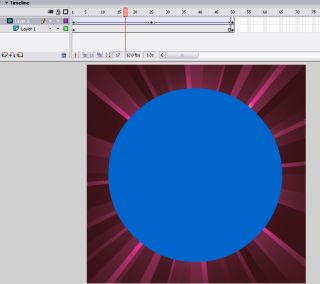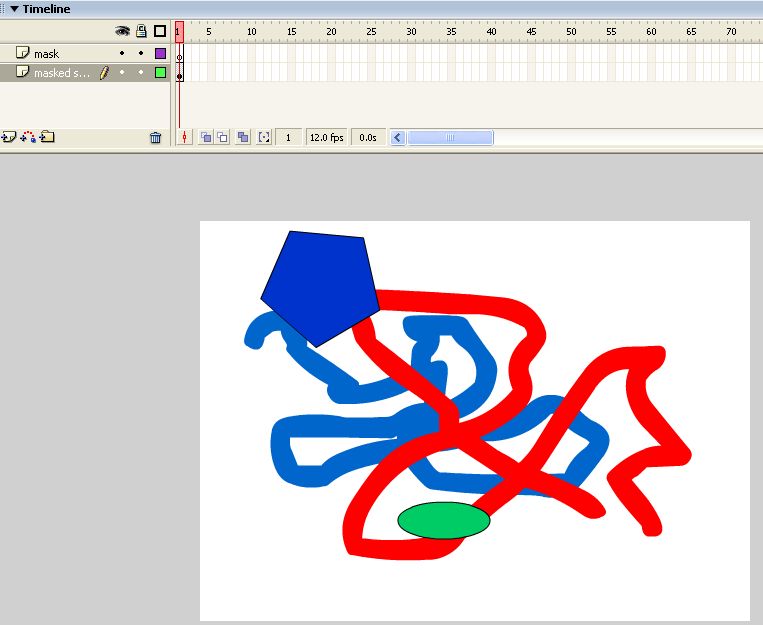
A layer mask is like a wall with a window in it. You can not see anything behind the wall, except through the window.
You can animate the mask or the layers beneath it, or both. A mask is useful for effects and to shape objects.
| Example 1 |
Example 2 |
Example 3 |
Creating a Mask (like example 2 )
The mask can be any shape, as long as it has a solid fill. The shape becomes the "window" that defines what is visible on the layers beneath.
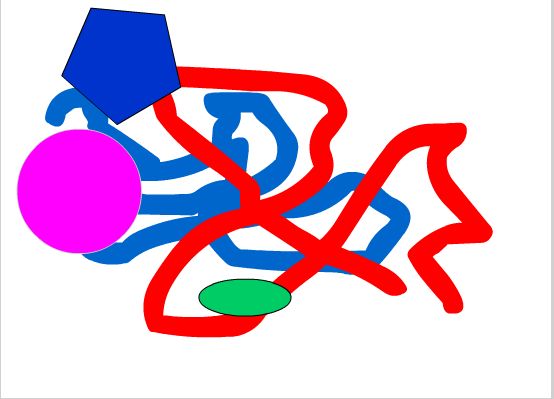

Everything will disappear, except for what we can see through the mask.
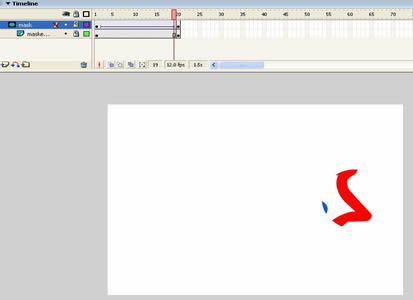
You may notice that the mask layer and its sub-layers are locked. The mask layer and its sub-layers must be locked for the mask to function properly.
You must unlock the layers to edit the mask.
You must lock them again for the mask to work.
Quick Step Guide to Masking
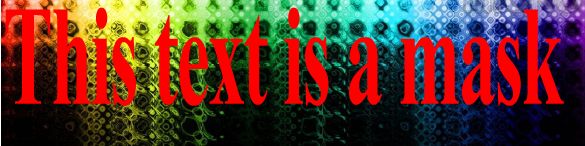
Text on the Mask layer. The Mask is the red text.
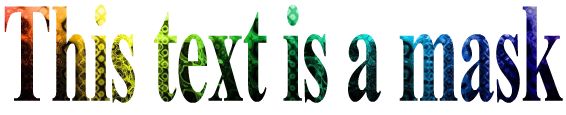
This is the result:
The blue circle is the mask layer. The circle grows larger in first motion tween, then in the second motion tween the circle grows smaller and flips
|
|
Create an animation using a moving mask. As the mask moves across the screen it should reveal your name